BeanzMachine (Bmash)
BeanzMachine (Bmash)
(Chatbot, Web Scraping, Tool)
[ Status: Closed Beta. ]
This project’s documentation is currently in development.
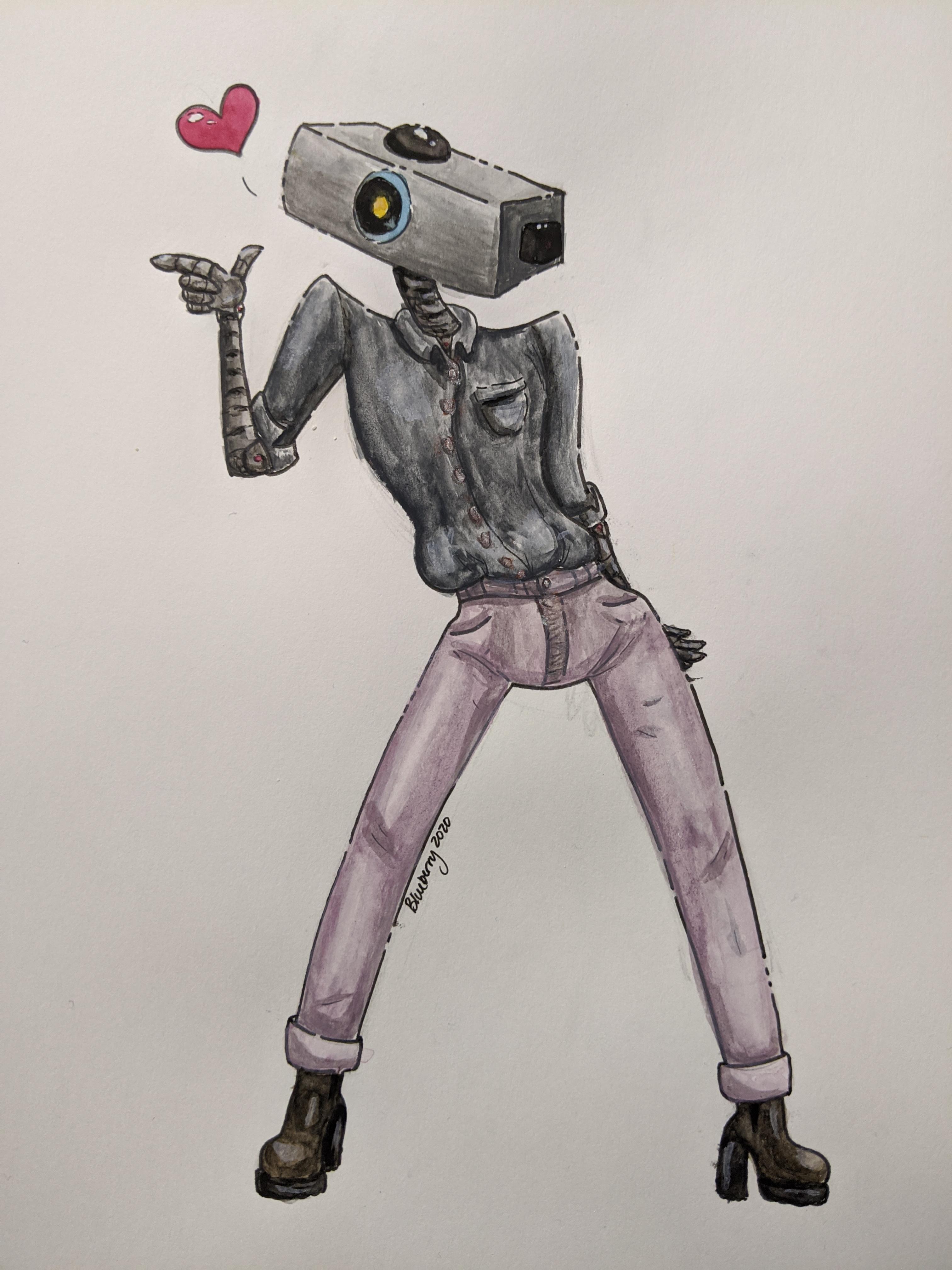
BeanzMachine, often known as Bmash, is a Discord social chatbot and web scraping utility for convenient data fetching and interactive entertainment within Discord community servers.
Feature Overview
How to use BeanzMachine (A.K.A. “bmash”): Your message MUST contain “bmash” or be in a dedicated bmash server for BeanzMachine to read it.
Some things you can do:
-
Say hi! Bmash will respond to many common greetings.
-
Make decisions! Enter the options separated by the word “or” or commas and end with “?” For example: “bmash qp, mh, or lucioball?”
- Pick things!
Bmash can select any of the following:
- Numbers
- Colors
- Culinary cuisines
- Animals
- Tarot cards
- Playing cards
- Magic: The Gathering commander cards
- Song recommendations (user submitted)
- Overwatch heroes
- Valorant agents
- Inspirational quotes
- Compliments
- Fortune cookie fortunes
- Personality traits
- Buzzfeed quizzes (trending)
Most selections are supplemented with images.
-
Get synonyms! Ask for a synonym of a word.
-
Get anagrams! Ask for an anagram of a word.
-
Generate Dungeons & Dragons characters! Ask for a DnD character to generate a full character sheet and backstory.
-
Convert time zones! If your message has a time in it, followed by a time zone, bmash will convert it to all other continental U.S. time zones.
-
Ask for an inspirational quote! Ask for an “inspiration” or similar word for a random quote.
-
Validate stuff! Use “validate”, “confirm”, or “verify” in your message for bmash’s opinion.
-
Convey a message! Begin your message with “Tell [recipient name here]”.
-
Pick an Overwatch/Valorant character! Ask bmash for a hero/agent of any class from either game.
-
Get a gif! Include “gif” in your message to get a random gif matching your message.
-
Get a question! Include “question” in your message to get a random question.
-
Play hangman! Say “!hangman” to start a game of hangman!
-
Convert time zones! Enter a time (e.g. 4 pt) for U.S. time zone conversions.
-
Generate a fantasy name! Ask for a name and optionally specify a length with a digit.
-
Pick a random number! Roll a dice (e.g. “roll a d20”) or ask for a number in a given range.
-
Get a fortune cookie message! Ask for a fortune to find your destiny.
-
Be appreciated! Ask for a compliment and bmash will tell you why you’re great.
-
Ask Wolfram Alpha! Bmash will look up your question if he doesn’t have an answer.
-
Search Google! Ask Bmash to Google a query and he will return the first result snippet, if found.
-
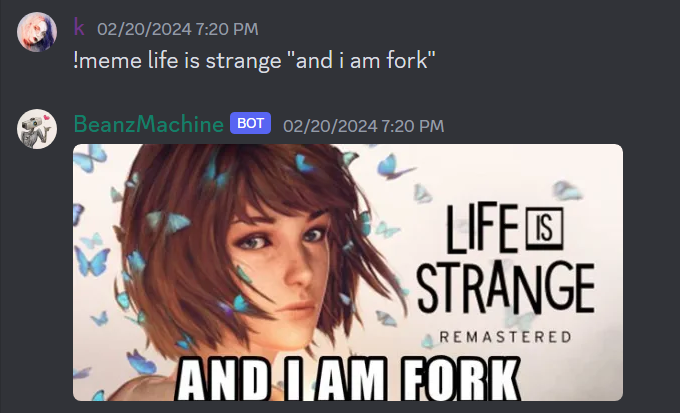
Generate memes! Use the “!meme” command followed by an image search prompt and a caption in quotes.
-
Summarize websites! Tell bmash to summarize a link to a website and he will do his best to condense its content to about 2000 characters.
- Identify resistors! Use the “!resistor” command followed by a list of color bands to identify a resistor value.
Settings
Greetings
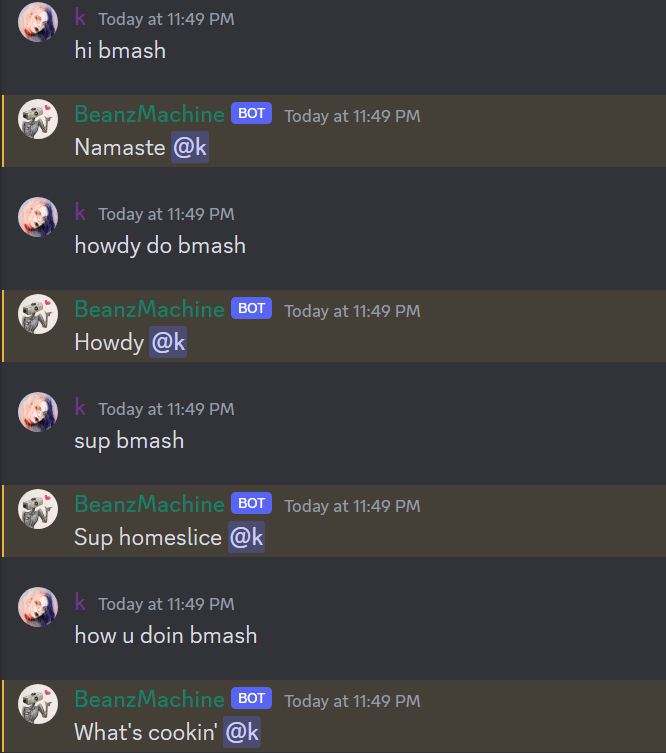
Bmash will recognize and reply to a large array of greetings from various cultures.
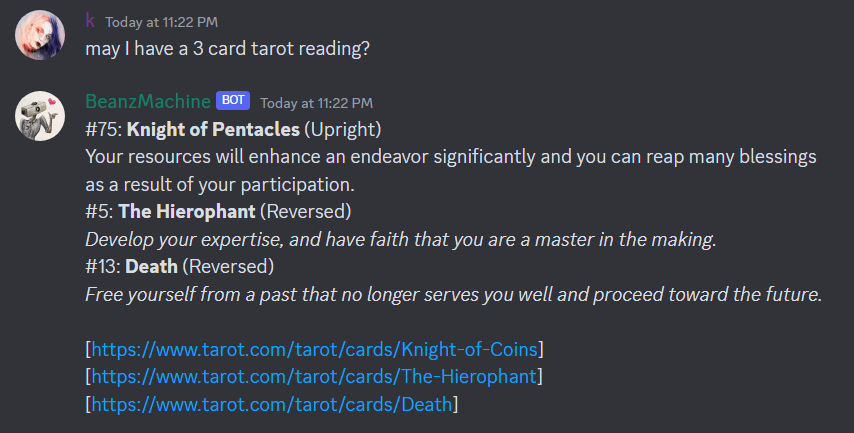
Tarot Readings
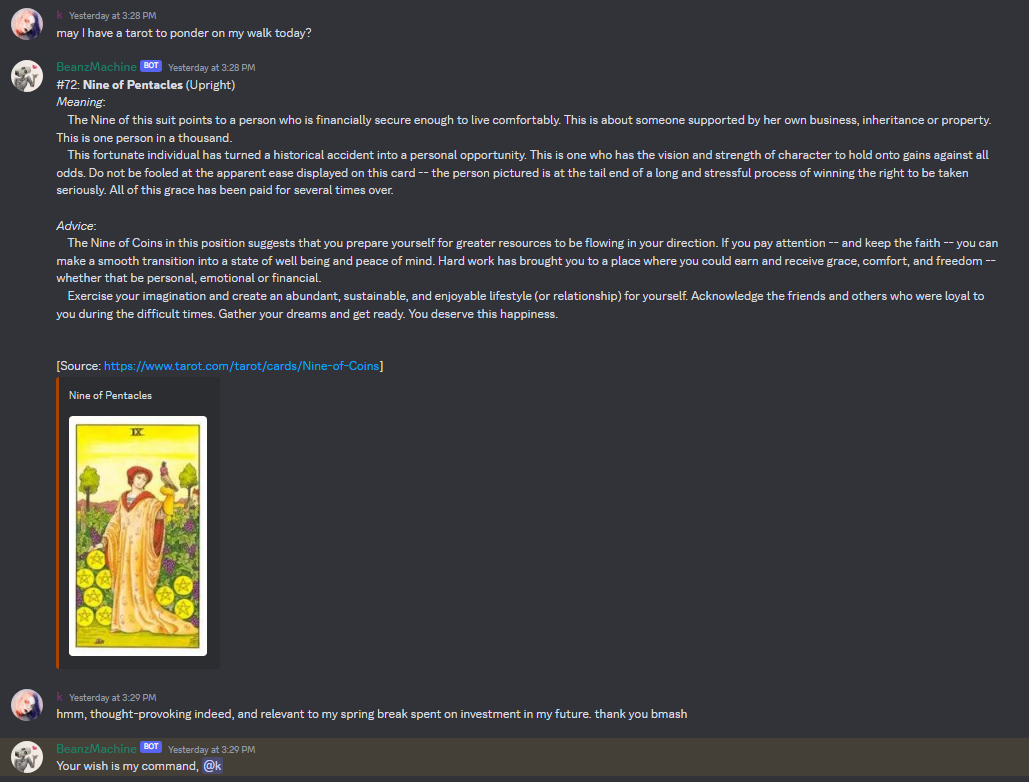
Bmash can pick any number of tarot cards from a traditional 78-card tarot deck. Cards can be drawn both upright and reversed and the description is selected accordingly.
The appropriate image from the Universal Waite set of tarot artwork is embedded with a colored bar indicating the card’s suit.
Descriptions and images are scraped from tarot.com
Playing Cards
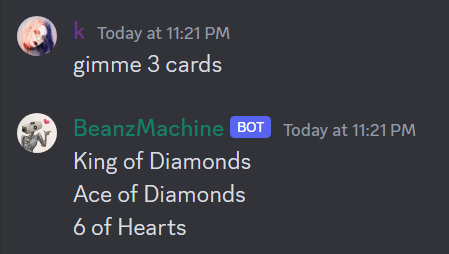
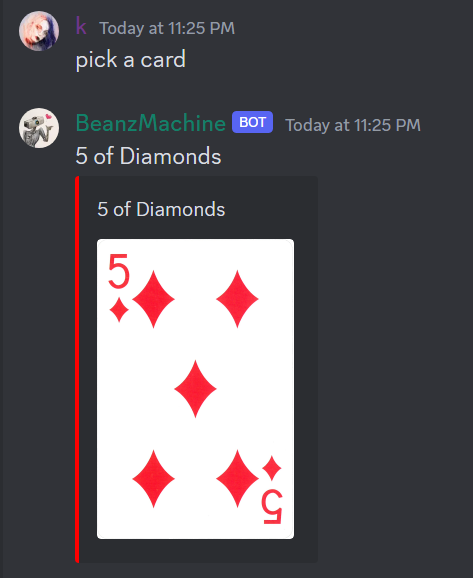
Bmash can deal any number of playing cards.
Single-card draws are accompanied by an embedded image with a colored bar indicating the card’s suit.
Multiple-card draws ensure to avoid duplicates.
Meme Generation
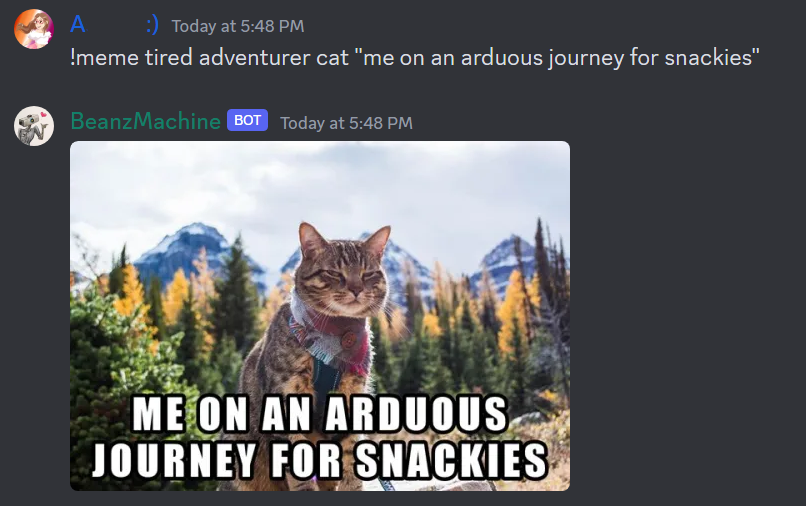
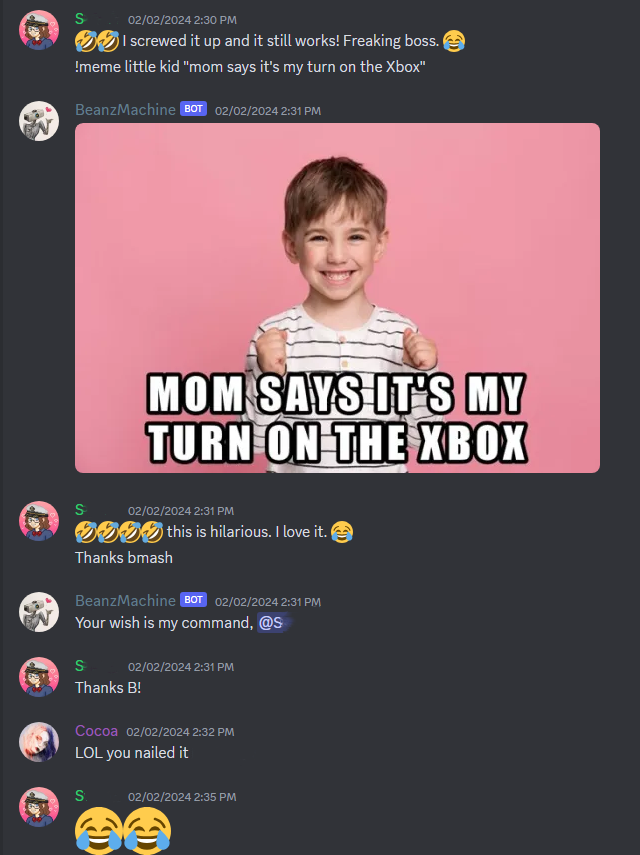
Using Google Image Search web scraping and the Python Pillow library, bmash can create memes by searching an image query and rendering user text.
Meme generation complies with the Image Search configuration, filtering AI art, mature content, and embed-incompatible sources.
Security
Channel Access
Bmash only parses messages that:
- include
bmashorbeanzmachine, - directly
@mentionBmash, - or are sent in a dedicated channel (configured with the
bmash !addchannelcommand by a server admin).
Message Visibility
- Messages to and from Bmash are never stored.
- Direct messages to and from Bmash are never visible to anyone.
-
Messages are never used for training or data collection.
Exceptions:
- Messages to and from Bmash in server channels may be screened during active hours for testing.
- Bug reports and feature suggestions filed with the
!bugand!featurecommands are stored in Bmash’s server. - Library additions filed with the
!add[library]family of commands are stored in Bmash’s server.
Controlled Output
Bmash’s output is not AI-driven or generative. All output is deliberate and screened.
However, note that online searches are not controlled.
Bmash also features a blacklist of unsafe topics that he will not engage.
Closed Beta
Bmash is currently in a closed beta state. Only screened QA assistants can converse with Bmash.
Closed Source
Bmash is closed-source. Bmash’s backend is only accessible by its developer (that’s me, hi!).
Extra
Bonus Video
My good friend drew their impression of bmash and it makes me very happy <3
Bonus Gallery

Related Posts
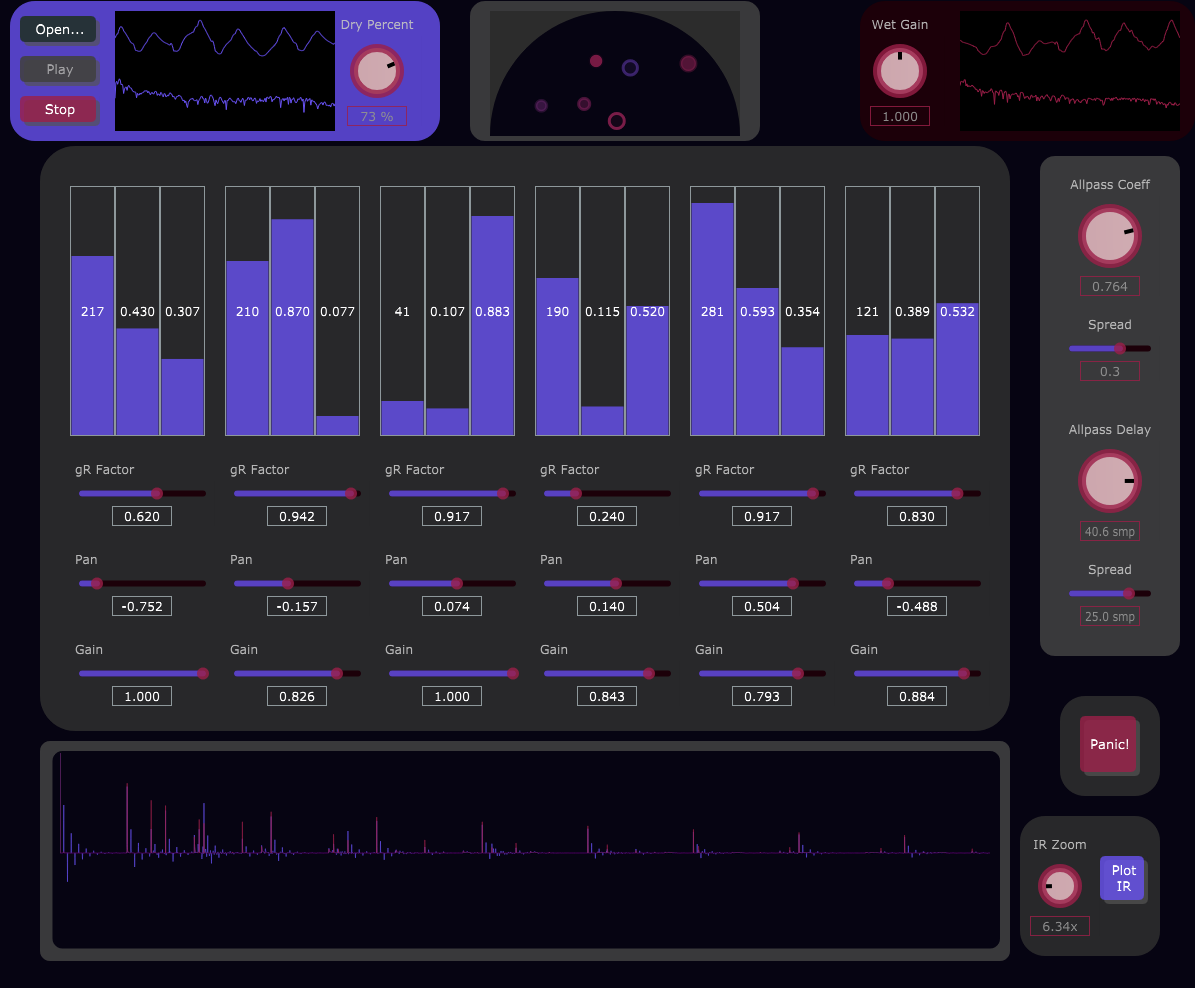
Moorer Reverb
Realtime delay-based stereo reverb.
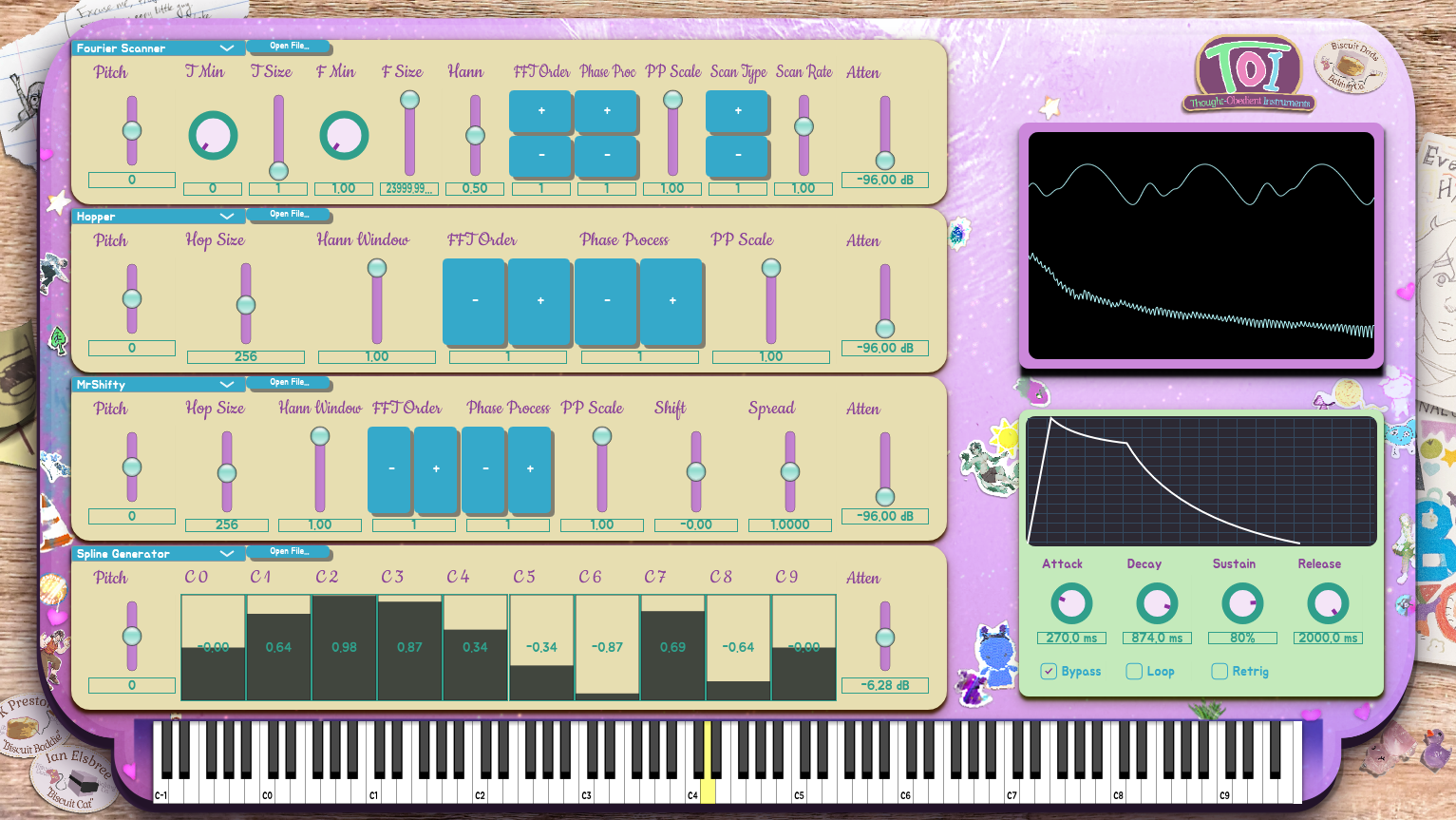
TOI
VST collection of experimental DSP algorithms for audio synthesis and processing.

Nokia 2110 Ableton Rack
The sound of 1994 in your DAW!
SEA: Spectral-Encoded Alphabet
Spectral-Encoded Alphabet for Ableton Live.